
Stay Connected: RV Internet Options for Remote Camping


When we first got on the road ten years ago, one of the biggest challenges was staying connected to the internet as we traveled, especially when we were spending time in remote locations. For us, RV internet access was important because we needed to work while traveling and in order to get our work done.
The good news even then was, there were several workable connectivity solutions available to choose from—and these days, there are more options than ever! In fact, we have found ways to stay connected even in the most remote camping locations.
In this article we will discuss the best mobile internet options for RVers, including options for remote RV camping. Let’s dive in.
Public Wi-Fi (Campgrounds, Libraries, Cafés)
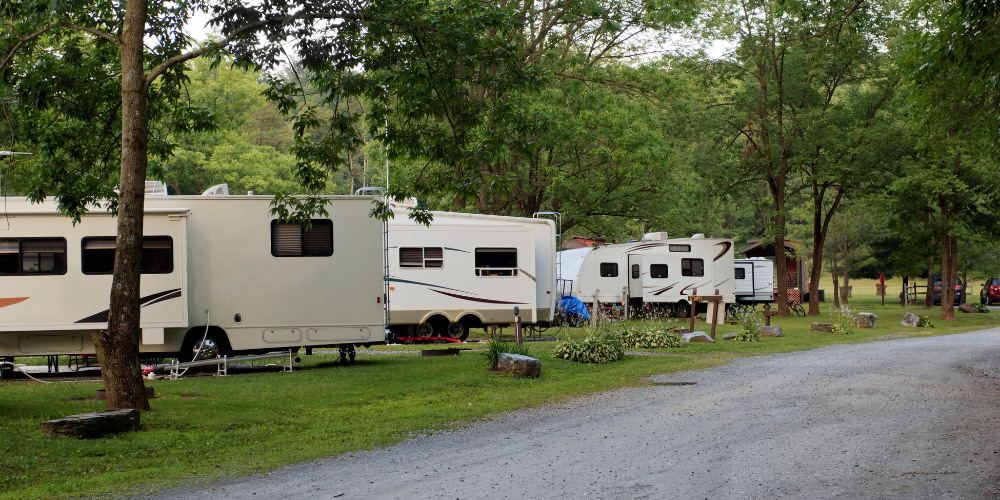
At first, we tried relying only on public Wi-Fi access. This means using incredibly slow campground internet connections or driving into town to work at coffee shops or libraries. This worked okay for some things, but we quickly grew tired of searching for decent internet connections and knew that if we were going to continue doing all of our work online, we were going to need to find another solution.
Pros
The pros to using public Wi-Fi is that it’s often free or inexpensive. Additionally, Wi-Fi connections can sometimes be found at visitor centers—even in areas with no cell signal—which makes this option handy in some of the more remote national and state parks.
For this reason, we still keep this option in our back pocket and continue to use it in certain instances.
Cons
The cons of trying to rely exclusively on public Wi-Fi are, of course, that 1) availability can be extremely limited and 2) connections are often slow, especially in crowded campgrounds. On top of that, public networks can pose security risks.
Pro Tip
If public Wi-Fi is part of your plan, consider carrying a long-range Wi-Fi antenna such as the Wi-Fi Ranger. This can help you connect from the parking lot, your RV, or further away from the access point.
Cellular Data Plans & Hotspots
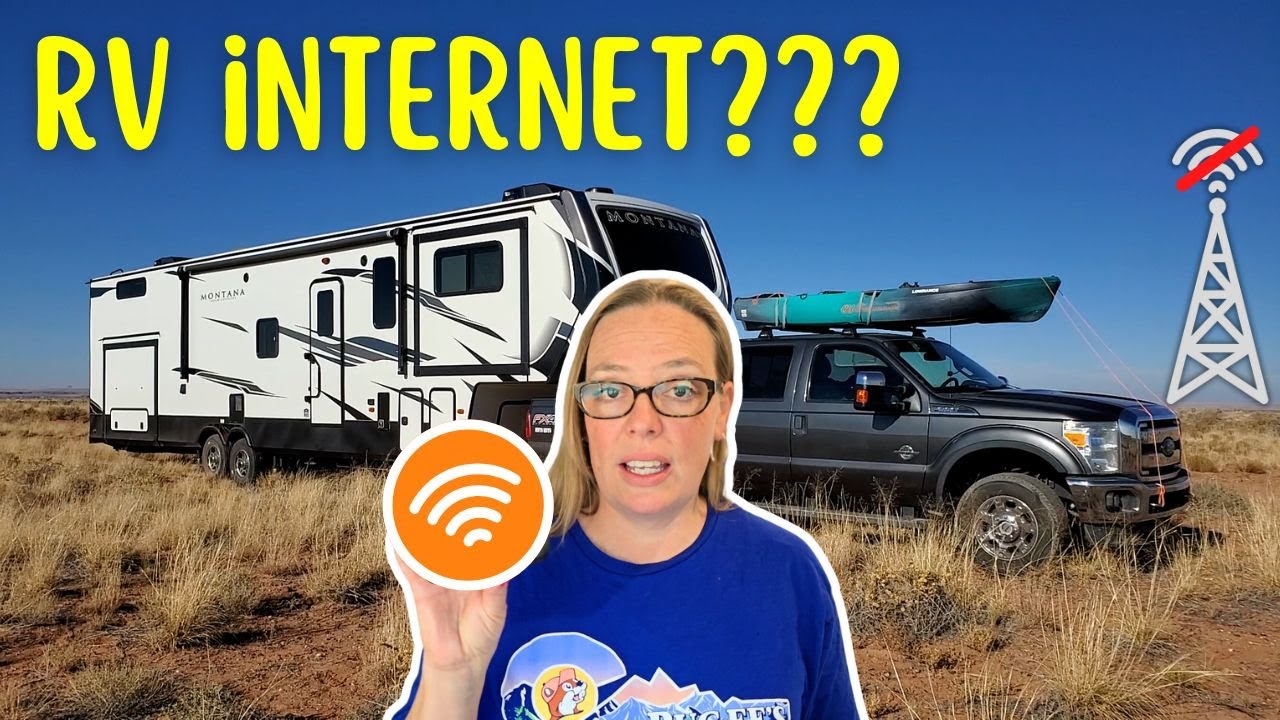
Hotspots with cellular data plans are the most common RV internet solution. This is what we turned to first when we decided we needed something besides public Wi-Fi connections to work with, and honestly, our handy little hotspot served us well for many years.
A hotspot connects to a nearby cell tower, then broadcasts a private Wi-Fi network for your devices. You’ll need a data plan from a carrier like Verizon, AT&T, or T-Mobile. We chose a Verizon hotspot because Verizon seemed to offer the best coverage at the time (this may not still be the case). We then found a truly unlimited plan. From there, we were able to stay connected in most areas.
Pros
One of the pros to having a mobile hotspot was that there was no special setup or installation required, meaning we could have internet anywhere there was cell connection as long as we had our hotspot on hand. We found that as long as there was service in the area we were in, speeds tended to be good enough for pretty much any task.
Cons
Of course, the biggest drawback to using a cellular hotspot is the fact that you will only have internet access in areas that have cell coverage. For the most part, this wasn’t a problem for us, but as soon as we got into the more remote areas, we would typically be without any service whatsoever.
Another con is that monthly data caps and throttling often apply even to grandfathered unlimited plans, limiting how much you are able to use your hotspot in a given month.
Pro Tip
If you often travel through areas with mixed coverage, consider multiple SIM cards from different carriers. Some RVers keep two or three hotspots—each on a different network—so they can connect to whichever carrier works best at their current location.
You might also consider investing in a cell booster. This helps boost your cell signal in areas where you only get a bar or two of service. It won’t do anything if there is no cell service at all, but if there is even a single bar of service, it can help tremendously.
Starlink Satellite Internet
The last RV internet solution we’ve invested in thus far is Starlink. This is what we use the most these days, and it has been absolutely fantastic.
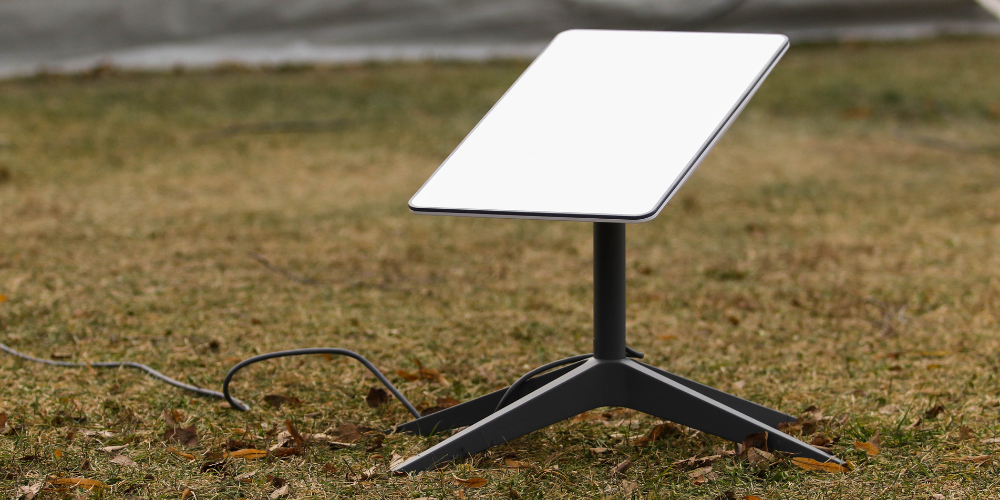
All you have to do is set up a flat “dish” antenna outside your RV, which connects to a router inside your rig. This setup communicates with Starlink satellites, which relay data through ground stations connected to the internet backbone. As long as we have a clear view of the sky, we have reliable and fast RV internet no matter where we roam.
This has been a game changer for us and has allowed me to attend Zoom meetings while boondocked an hour away from the nearest city.
Pros
The biggest and most obvious pro of Starlink is that it works pretty much everywhere, meaning we can stay connected even when no cell service is available. The speeds are excellent, rivaling some home connections—but as long as you have the right plan, it is totally portable, meaning you can use it wherever you roam.
Cons
Unfortunately, the initial cost of getting set up with Starlink is high, and the monthly fee is on the higher end as well. You also do have to park your RV in such a way that you always have a clear view of the sky, which can be tricky.
Additionally, the dish and router require constant power in order to work. This means you need to either A) have a pretty good solar/battery/inverter setup that can run the Starlink hardware or B) you have to run your generator anytime you need RV internet access while boondocking.
Pro Tip
If you frequently camp in forested areas, consider a Starlink mount or tripod so you can position your dish away from obstructions. Our friends have a tall pole mount on their truck that works wonders.
Portable Satellite Messengers
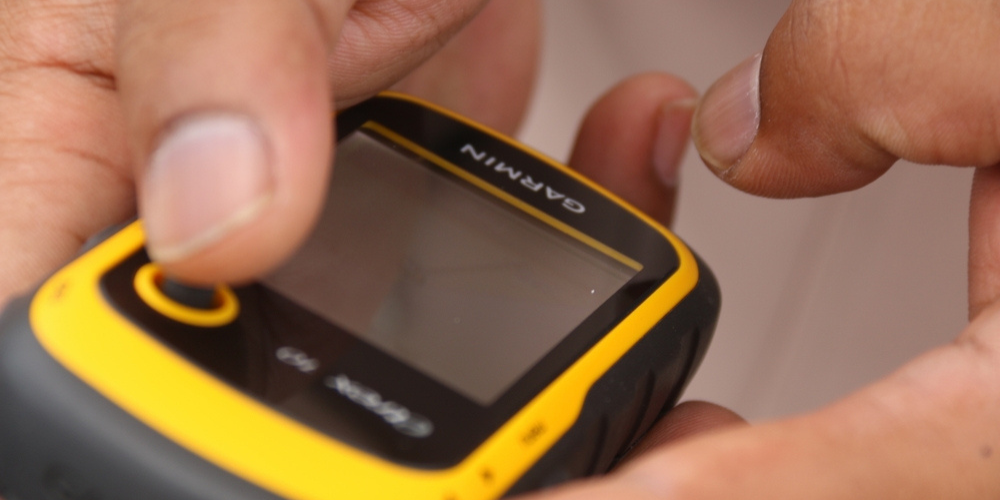
We’ve never owned a portable satellite messenger device—essentially what looks like a walkie-talkie that has a basic screen and small keyboard—but I certainly have thought about investing in one.
These do not give you full internet browsing capabilities, but they do allow you to send text messages, emails, and location updates via satellite. The idea is that the device will allow you to communicate when out exploring in the most remote areas.
Pros
The main benefit of a satellite messenger is that it will work virtually anywhere on earth. These devices are extremely reliable, compact, and battery powered. Basically, they are there to keep you safe and they work really well for that purpose.
Cons
The cons of satellite messengers? Well, if you’re using them as intended, they don’t have a lot of drawbacks beyond the fact that they do require subscription plans. However, they cannot be used as a main source of internet connection, as they don’t allow for regular web browsing, and I suppose this could be considered a con.
Pro Tip
Even if you have a main internet setup, carrying a satellite messenger is a smart safety net for remote adventures.
Hybrid RV Internet Strategies
What I have found while RVing is that no single RV internet solution is perfect for every location or situation. That’s why we have chosen to use a hybrid approach, combining multiple tools for maximum coverage.
Example hybrid setups:
- Cell Hotspot + Booster + Starlink: Use cell service when available, then Starlink in dead zones.
- Multiple Carriers + Signal Booster: Switch between Verizon, AT&T, and T-Mobile depending on coverage.
- Starlink + Satellite Messenger: Starlink for work/entertainment; satellite messenger for emergency redundancy.
Currently we have the first setup of those three, and these connection options plus our cell phones have worked extremely well for us. At this point we are never without some sort of internet connection, something I wouldn’t have believed a decade ago.
Managing Data Usage Off-Grid
If you’re trying to use a weak cell signal or are headed into an area with no signal whatsoever, a bit of planning ahead can make a world of difference. Here are some tips that’ll make your life a little bit easier:
- Download offline maps and media before leaving town.
- Lower video streaming quality to 480p or at most 720p.
- Turn off automatic app updates until you’re on Wi-Fi.
- Use data-compression browsers like Opera or Chrome’s Lite Mode.
- Schedule large uploads for times when you have stronger service.
Choosing the Right Option for You
So which RV internet solution is best for you? Well, that’s a question only you can answer.
You’ll need to consider your budget, how remote you’ll actually be, whether you actually need high speed RV internet all the time, and whether you’ll always have a power source available for running something like Starlink. Consider these factors and I’m betting you’ll be able to see which option is the best for your current situation.
Frequently Asked Questions
Still have questions about staying connected to the internet while RVing? Below are some of the most frequently asked questions, and our answers to each.
How do I get reliable internet while RVing?
Reliable internet on the road usually requires a mix of technology and planning. If consistent and reliable internet is super important to you, I highly recommend a hybrid setup that uses public Wi-Fi connections, various cell carriers, and Starlink.
It’s also a good idea to research coverage maps before heading into an unknown area so you know what to expect in terms of cell coverage.
Is Starlink worth it for RVers in remote areas?
For many RVers who frequent off-grid spots, Starlink is a game-changer. It works where there are no cell towers, and it provides excellent speeds even in the middle of nowhere. If you’ll spend a lot of time boondocking in areas with no cell signal, I’d say yes, it is worth considering.
What’s the difference between mobile hotspots and RV Wi-Fi boosters?
Mobile hotspots and RV Wi-Fi boosters are two totally different things.
Mobile hotspots create a Wi-Fi network from a cellular signal. They let you connect multiple devices and rely on cell coverage.
RV Wi-Fi boosters (or signal boosters) amplify weak existing signals from nearby cell towers. They don’t create a signal on their own but improve the one you already have.
Many RVers use both—the hotspot provides internet, while the booster ensures that the signal reaches your dev
(Roughly) How much does RV internet cost per month?
The cost of having internet in your RV will depend entirely on your setup:
Cellular hotspots: $30–$100/month for moderate data plans; unlimited plans are often $60–$120/month.
Starlink RV: Around $150/month plus the $599+ hardware cost.
Satellite messengers: $15–$50/month for basic text/email services.
Hybrid setups: Costs add up depending on how many devices, boosters, or backup plans you maintain. We spend around $250 a month for Starlink, an older Verizon unlimited plan, and our two phone plans.
Budgeting for internet access is important if you plan to boondock frequently, especially in areas where satellite or multiple cellular plans are needed for reliable service.
As you can see, there are a lot of internet connectivity options for remote RV camping. Carefully consider your travel style and budget so you can make the best decision for you and your family, and then get out there and enjoy staying connected no matter where you roam!
RV Cover vs Tarp: How To Store Your RV Without Trapping Moisture

Stay Cool This Summer: Best Water Activities for RV Travelers
Secrets To Being A Good RVer